About Mastershot
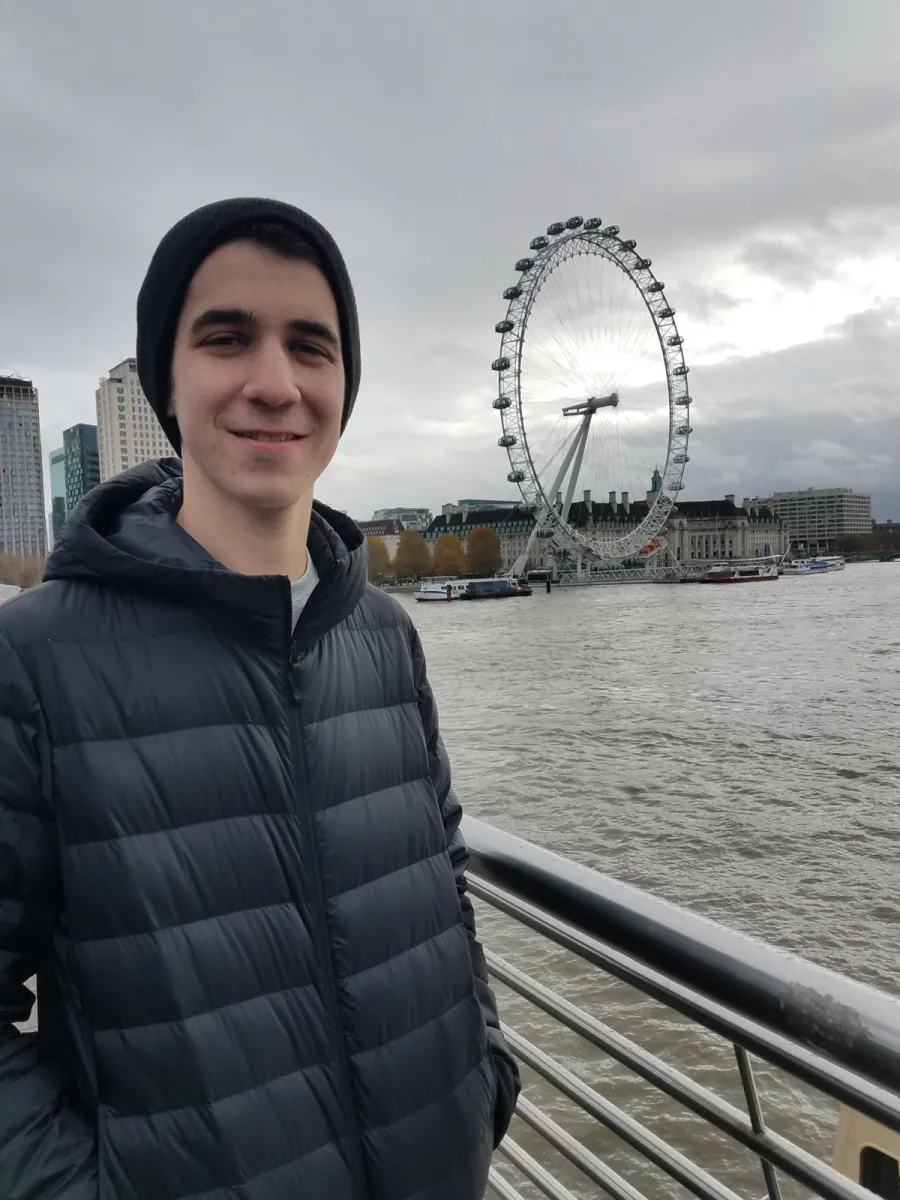
Hi, I'm Jacob Beckerman.
I make Mastershot: free tools for video, photos, and sound, and a free video editor called Mastershot Studio.
Everything here runs in your browser. Your file is opened on your device and saved back to it, so nothing is uploaded and there's no upload to wait for. That's also why the tools can be free: there are no servers working on your files that have to be paid for by the minute.
Before I trust a tool, I test it against other sites that do the same job, and I write up what I find on the blog. The latest is “Every online video editor in 2026, compared”.
If a file won't open, a tool gets something wrong, or there's a tool you wish existed, email me at [email protected].
What Mastershot is
Mastershot is a set of free tools that run in your browser. Each one does a single job: you can compress a video, trim it, convert it to another format, pull out the audio, or blur faces, along with many other tools for photos and sound. There's no account to make and no watermark on what you save.
Your files stay on your device
Your browser does the processing. The file is read from your device, changed there, and saved back to it, so it's never uploaded to us or anyone else. That also means the largest file you can open and the formats you can read depend on your browser and how much memory your device has. The privacy page explains the little we do collect.
Mastershot Studio
For edits that need more than one tool, Mastershot Studio is a free video editor that also runs in your browser, with a timeline, text, music, and subtitles. It needs a free account to keep your projects, but your video files stay on your computer, and nothing you export has a watermark.