Free Chrome Screen Recorder
Record your screen and camera, and download an MP4. Quick to install, easy to use, and free.
Add to Chrome It's freeWorks on Windows, Mac, Linux, and Chromebook.
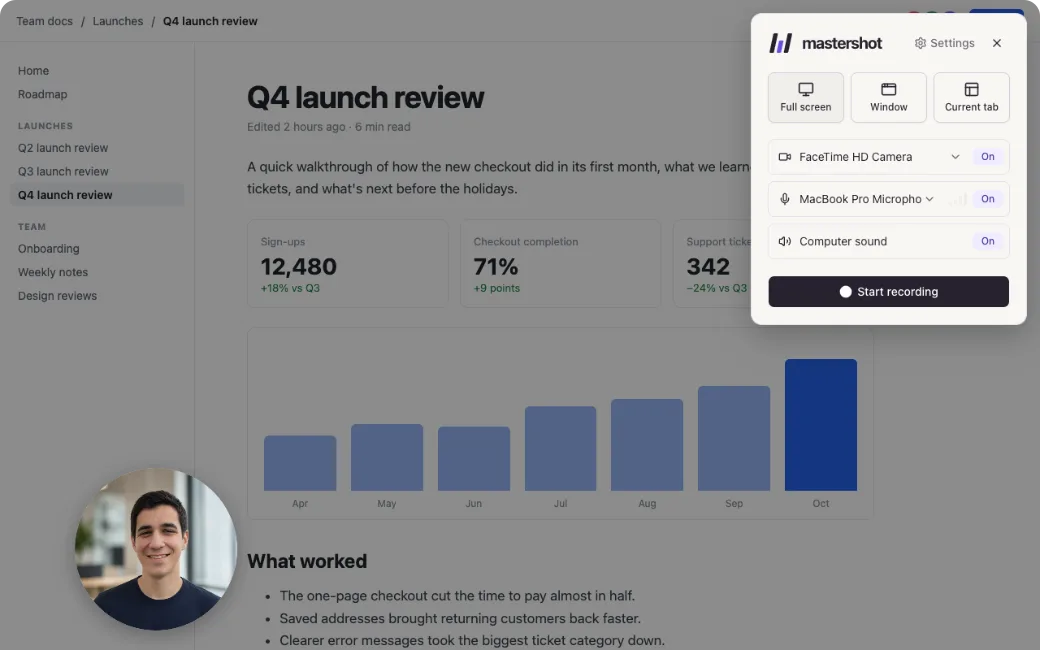
Why use Mastershot’s screen recorder
- Start recording in a few clicks
- Record your screen, a window, or a tab
- Show your camera in a bubble
- Pause or restart without starting over
- Download an MP4, not a WebM
- No account, no watermark, no time limit
- Recordings stay on your computer
Record your screen and camera
Record your whole screen, one window, or a single tab, with your camera in a bubble. Drag the bubble anywhere and make it small, medium, or large. Turn on your mic and your computer’s sound, and switch either one without stopping.
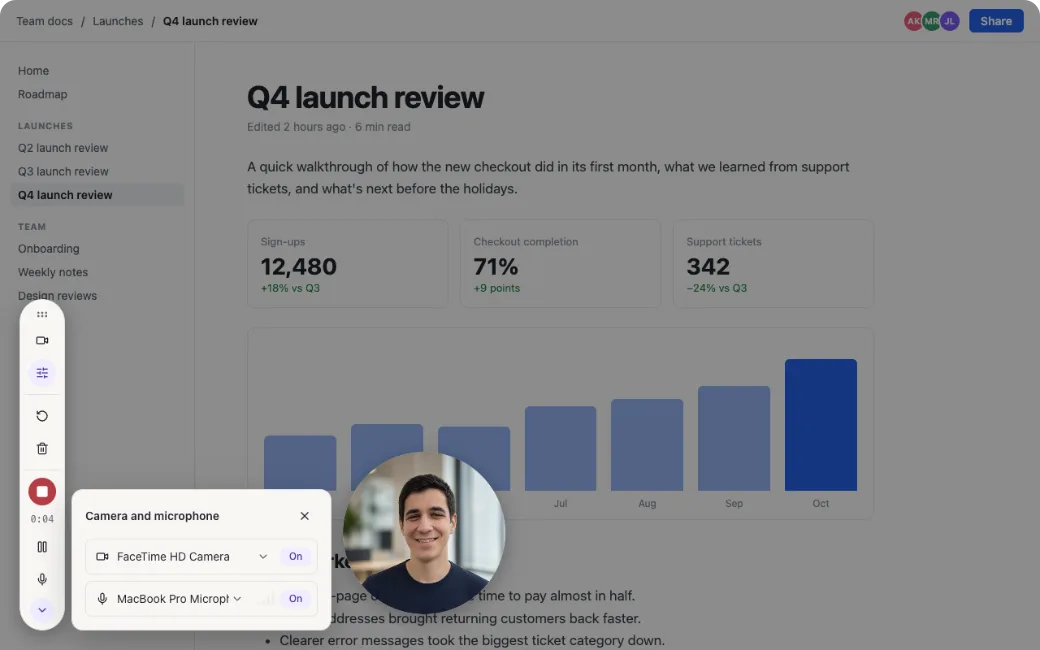
Made a mistake? Pause or restart
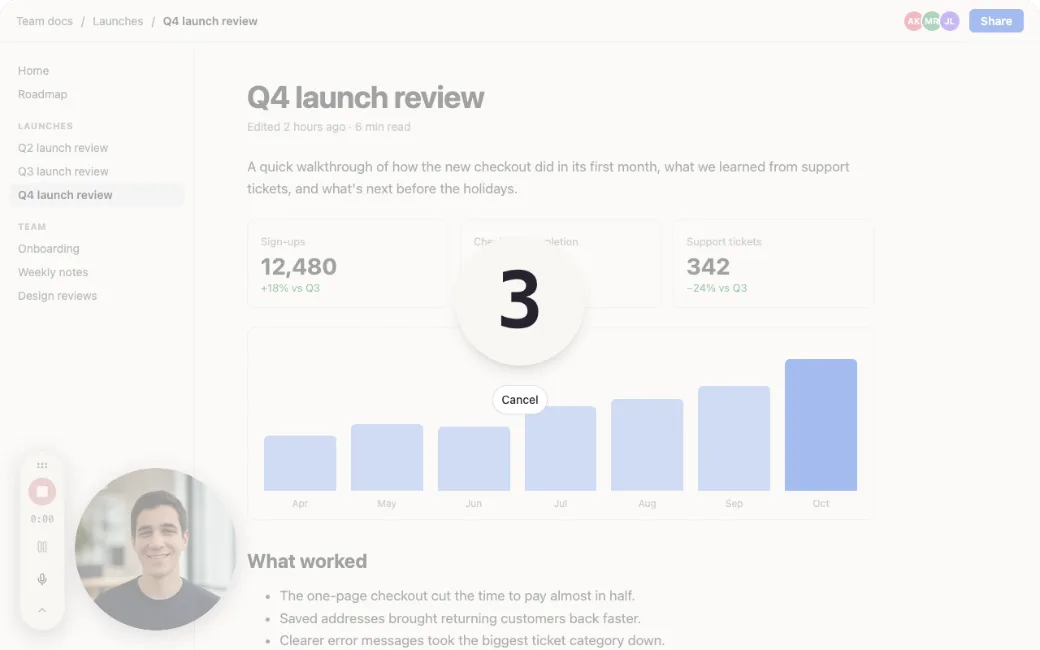
A 3-2-1 countdown gives you a moment to get ready. While you record, pause, restart, or delete from the controls in the corner, or with a keyboard shortcut. The controls follow you from tab to tab, and you can hide them in Settings.
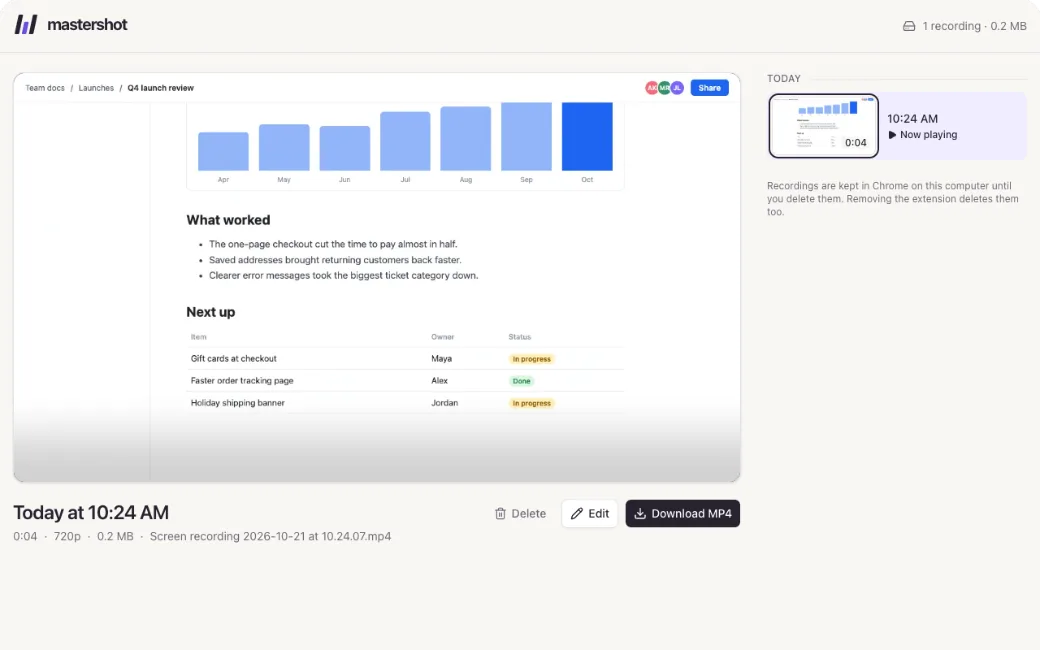
Download an MP4
When you stop, your recording opens, ready to play. It’s an MP4, so it plays in any player and uploads to YouTube, Slack, or Google Drive without converting it first. Recordings stay in Chrome on your computer until you download or delete them.
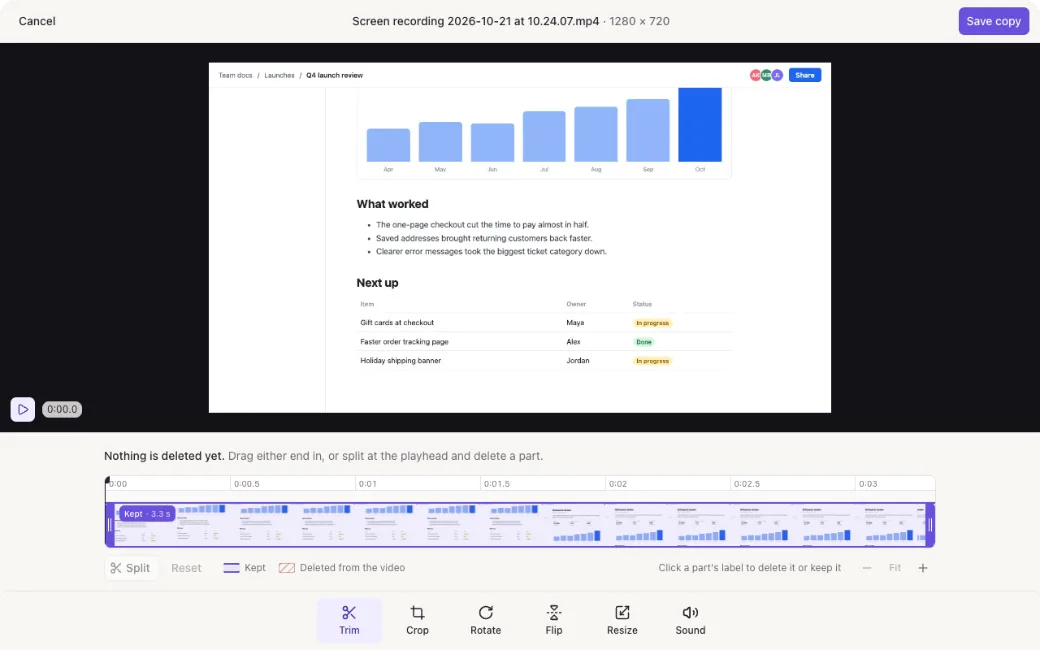
Trim and crop it right away
Cut the start and the end, crop, rotate, flip, resize, or mute your recording on the recordings page. The edit is saved as a copy, so the original is still there.
Questions
Free tools for your recording
They work in your browser, so nothing is uploaded.
Download the Mastershot Chrome extension
Start recording in seconds. It’s free.
Add to Chrome It's free